Convert to SVG
Turn a PNG, JPG or WEBP into a clean vector you can scale, recolor and print at any size.
- Upload
- Convert
- Download
Drop an image anywhereor choose a file
No image handy? Try one
PNG, JPG or WEBP up to 4 MB. Your image is sent to our AI model to be converted.
Sharp at every size, not just the one you exported
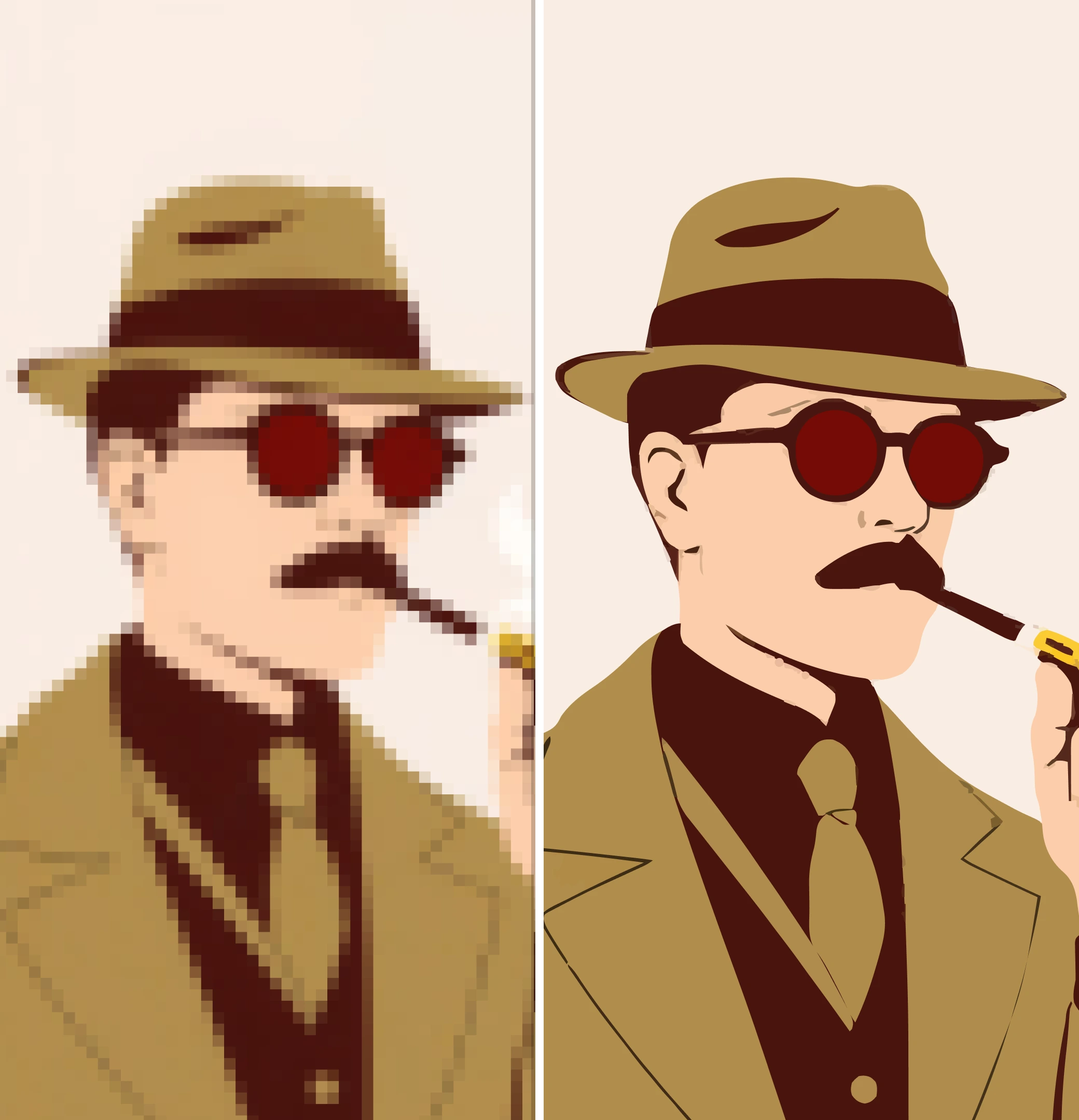
A raster file is fixed to the pixels it shipped with. A vector redraws itself at whatever size you place it — the same file works on a favicon and a billboard.
How to convert an image to SVG
- Upload a PNG or JPGDrag your file onto the stage above or click Upload to pick one. PNG, JPG and WEBP are all accepted, up to 4 MB.
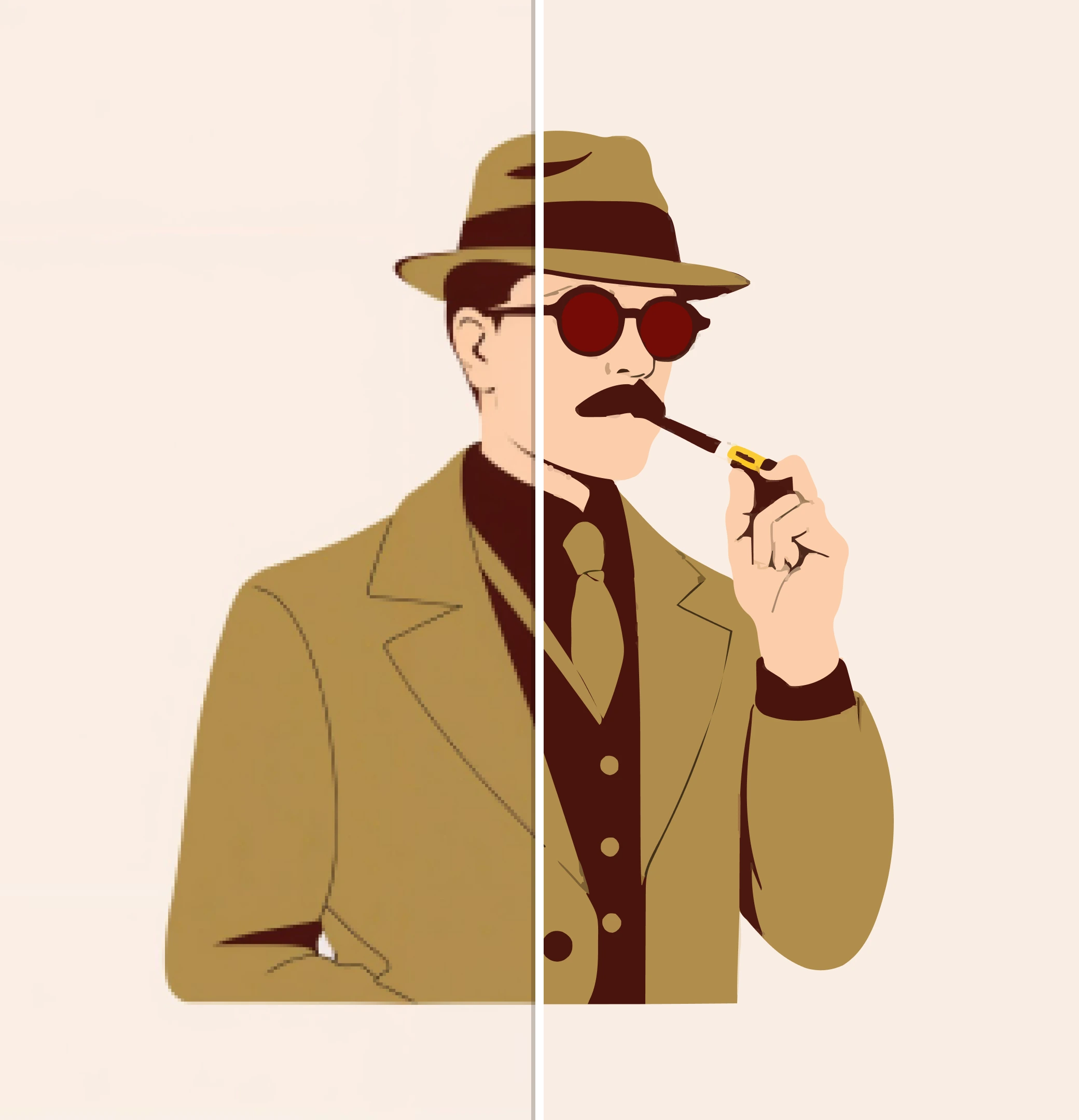
- Let it trace to vectorEdges and flat colour regions are detected and redrawn as vector paths, then the result is optimised so the SVG stays small and tidy.
- Compare and downloadUse the compare control to check the vector against your original, then download an SVG that scales to any size without going soft.
Questions about converting to SVG
PNG, JPG, JPEG and WEBP. If you upload an SVG it is already a vector, so there is nothing to trace.
Yes. The image is sent to our vectorising model, traced, and the SVG is returned to you. Nothing is stored — the upload expires within minutes and we keep no copy of the file or the result.
Thin line art on a transparent background is the hard case: with almost every pixel transparent, the tracer has very little colour to work from and the strokes can come out nearly invisible. Flattening the artwork onto a solid white background before uploading fixes it. Photographs and artwork with solid shapes trace reliably.
One file is free. Four hundred, on brand, in every size, is what we do.
More free tools
- Remove backgroundTransparent PNG
- Image converterHEIC, RAW, WEBP, AVIF
- Contrast checkerWCAG ratios
- Palette generatorPalettes from a prompt
- Palette visualizerPalettes on mockups
- SVG editorRecolour, erase, export