Image resizer
Brushless resizes and crops a whole batch of photos to every size you need at once, in your browser, with nothing uploaded. Drag each photo's dot onto what matters and every size keeps it in frame; nudge any one on its own, then take them all as one ZIP, with a folder per size and the size in every file name.
What each place wants, and what it does to your photo
These are the sizes the platforms publish on their own help pages. Pick one and see what survives, what would be cut, and why the dot decides it.
 1,080 × 1,440
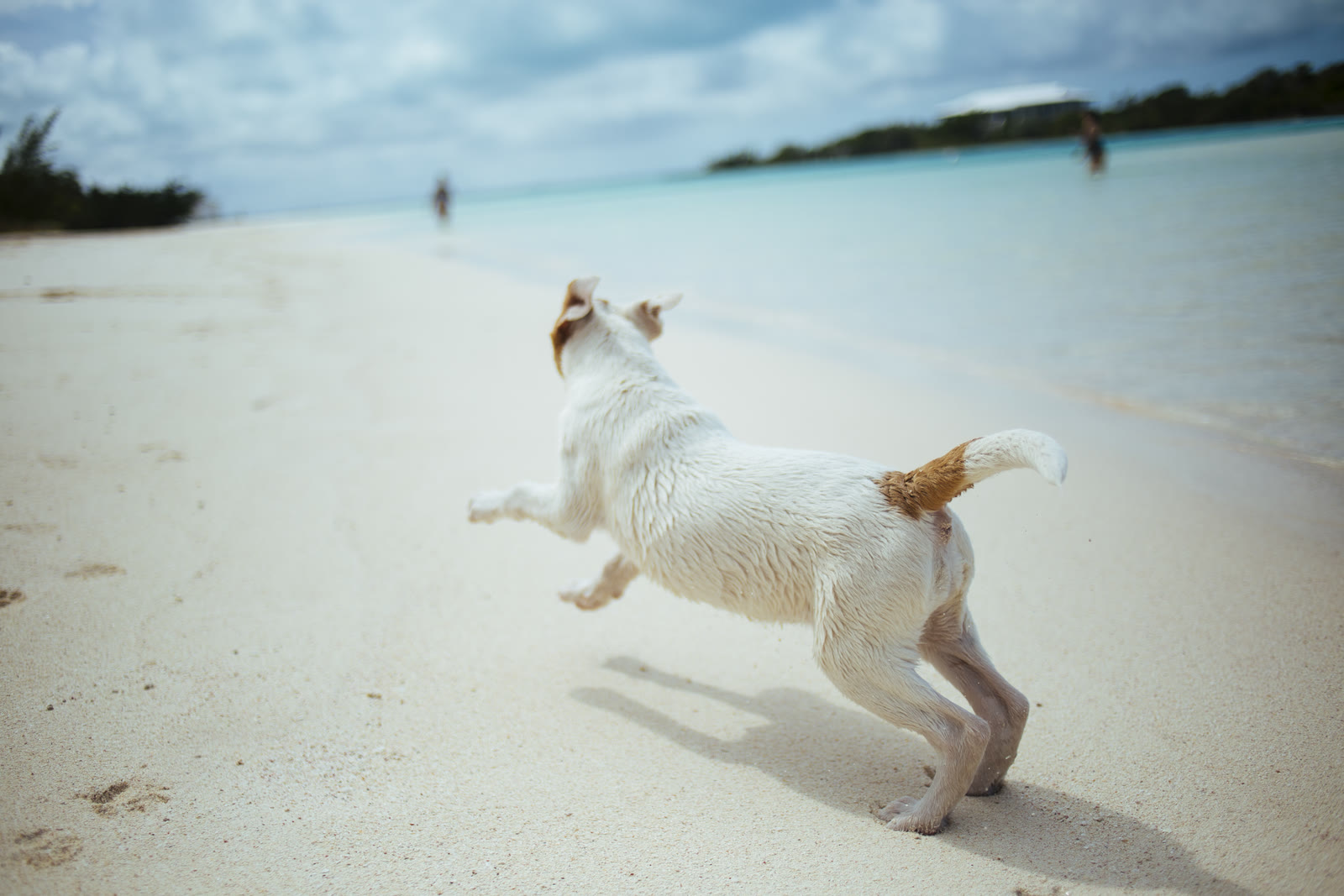
Instagram portrait · 1,080 × 1,440The tallest shape Instagram's feed takes, at the 1,080 pixel width it shows. A landscape photo loses both ends. Crop to fill is what the board above does: the photo keeps its shape and the dot decides what stays.
Sample photo: “Dog on a beach” (Unsplash), CC0, via Wikimedia Commons.
What size does each place want?
The sizes the platforms publish, each checked against the platform's own help page on September 24, 2026. Every one of them is a preset in the tool above.
The tallest shape Instagram's feed takes, at the 1,080 pixel width it shows. A landscape photo loses both ends.
Source: help.instagram.comSquare, inside the range Instagram accepts, at the width it shows.
Source: help.instagram.comFull screen on a phone. Meta's guidance is to keep text and faces out of roughly the top seventh and the bottom third, where the profile icon and the call-to-action sit.
Source: facebook.comYouTube asks for 3840 × 2160 and takes anything 640 pixels wide or more. A photo smaller than that is made at its largest clean 16:9 size.
Source: support.google.comVery wide and short, so most of a normal photo is cropped away and the dot decides what survives.
Source: linkedin.comLandscape in a post, at the 16:9 size X's own ad specifications list.
Source: business.x.comSquare. LinkedIn takes profile photos from 400 × 400 pixels.
Source: linkedin.comThe picture a link shows when it is shared (Open Graph). Meta asks for at least 1200 × 630 and a shape close to 1.91:1.
Source: developers.facebook.comPinterest's recommended shape; a taller pin can be cut off in the feed.
Source: help.pinterest.comHow big can this photo go?
Making a photo smaller is safe. Making it bigger invents pixels that were never photographed. Drag the width and see the sample's own pixels at that size, drawn by the resizer, not simulated.
1,600 px is inside the photo. Neighboring pixels are merged and none is invented, which is why making a photo smaller is safe to do at any time.
A 480 × 360 patch of the sample at its own resolution, drawn at the width you pick and shown at 100%: one pixel of the file is one pixel on the screen.
Questions people ask
Short answers about resizing images with the Brushless image resizer.
More free tools
All tools- Contrast checkerWCAG ratios
- Palette generatorPalettes from a prompt
- Palette visualizerPalettes on mockups
- Image compressorSmaller JPG, PNG, WebP
- Image converterHEIC, RAW, PSD, TIFF
- Remove backgroundTransparent PNG
- Image to SVG converterRaster to vector
- SVG editorRecolor, erase, export
One file is free. Four hundred, on brand, in every size, is what we do.